dtourolle
31bcc3a462
dtourolle
31bcc3a462
The presets menu and sheet listed every preset under flat section
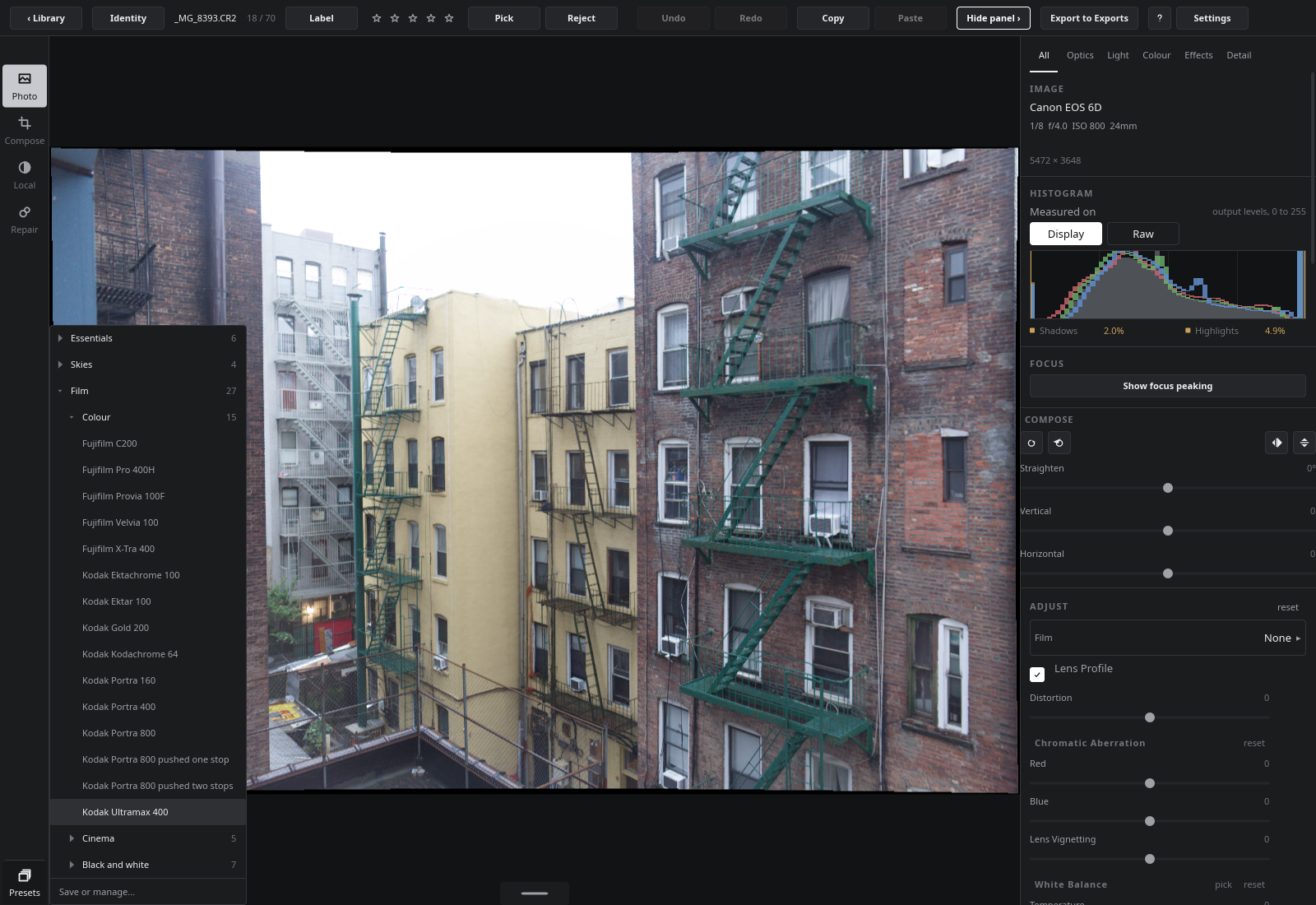
headings, seventy rows to scroll past. They now list folders, closed
until opened, with how many presets each holds; opening one shows what
is inside it, folders and presets indented beneath.

A category is spelled in the name: "Portraits/Warm skin" is Warm skin
in a Portraits folder under Yours. The file format does not change, so
an older build lists the whole path as the name; renaming a preset is
how it moves, and saving or renaming into a folder opens the way to it.
A Lightroom import names what it reads after the folders below the one
chosen, and a "/" in a displayed name becomes "∕" so it files nothing.
The shipped film sections become Film › Colour, Cinema and Black and
white.

The tree is built and flattened in Rust (PresetTree), each row carrying
its depth, and which folders are open is remembered for the session.

A PopupWindow keeps the size it was shown at, so a folder opened in the
menu pushed its contents under "Save or manage…"; the menu is shown
again after each toggle to take its new height. That is a function on
the rail because Slint 1.17 generates Rust that does not compile for a
popup's close() reached from inside the popup. The sheet's list takes a
preferred height of up to 400px, since a Flickable reports next to
nothing and an opened folder showed three rows.

The manual describes the folders and naming. Its pictures show the menu
with Film › Colour open, and a black-and-white stock applied from Film
› Black and white; the scenes aim popup rows from the rail's entry, and
pick the menu's "Film" over the develop column's film chooser.
1.3 MiBLFS
1600x1100px
1.3 MiBLFS
1600x1100px