Second paragraph with more content.
"""
base_font = Font(font_size=14)
blocks = parse_html_string(html, base_font=base_font)
# blocks is a list of structured content (Paragraph, Heading, etc.)
```
## Visual Examples
The library supports various page layouts and configurations:
Page Styles
Different borders, padding, and backgrounds
|
HTML Content
Parsed HTML with various text styles
|
Page Layouts
Portrait, landscape, and square formats
|
Table Rendering
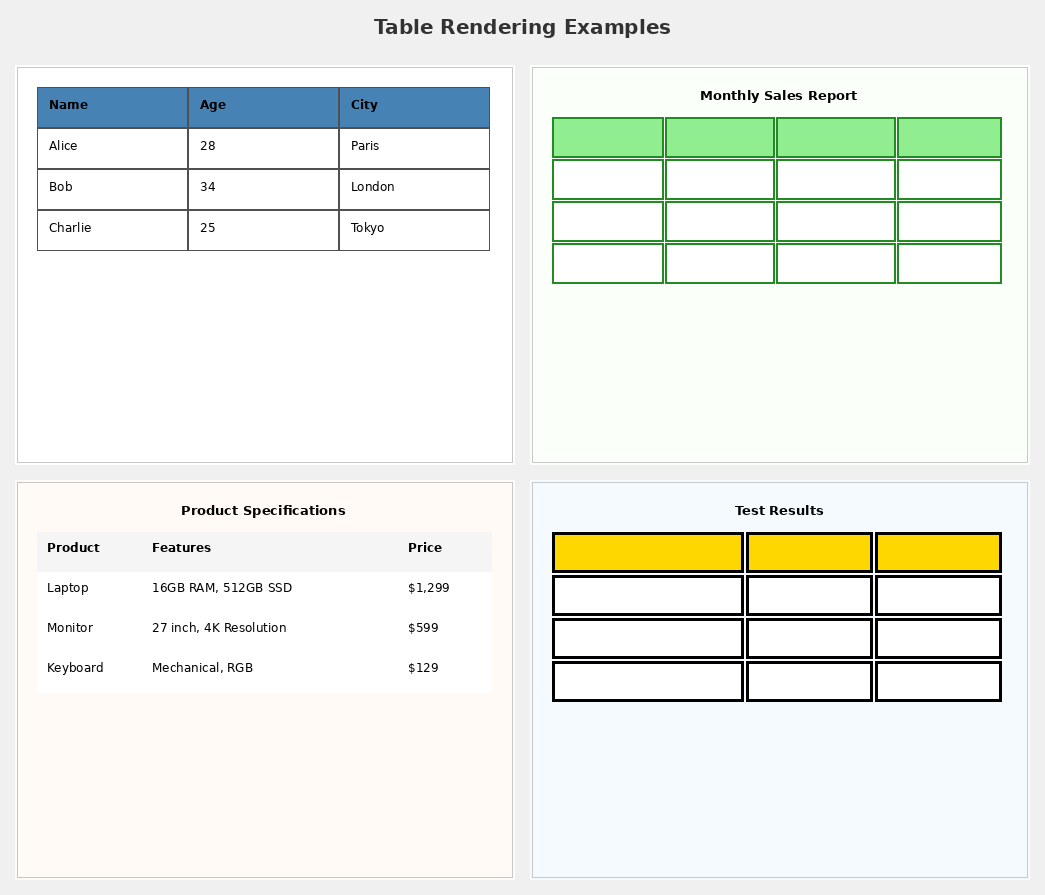
HTML tables with headers and styling
|
Interactive Elements
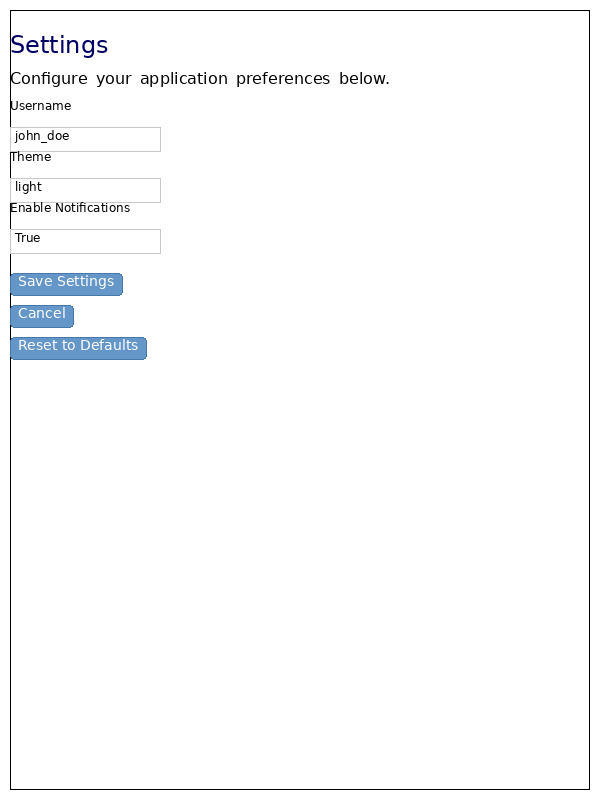
Buttons, forms, and callback binding
|
🆕 Pagination & PageBreak

Multi-page documents with explicit and automatic breaks
|
🆕 Link Navigation
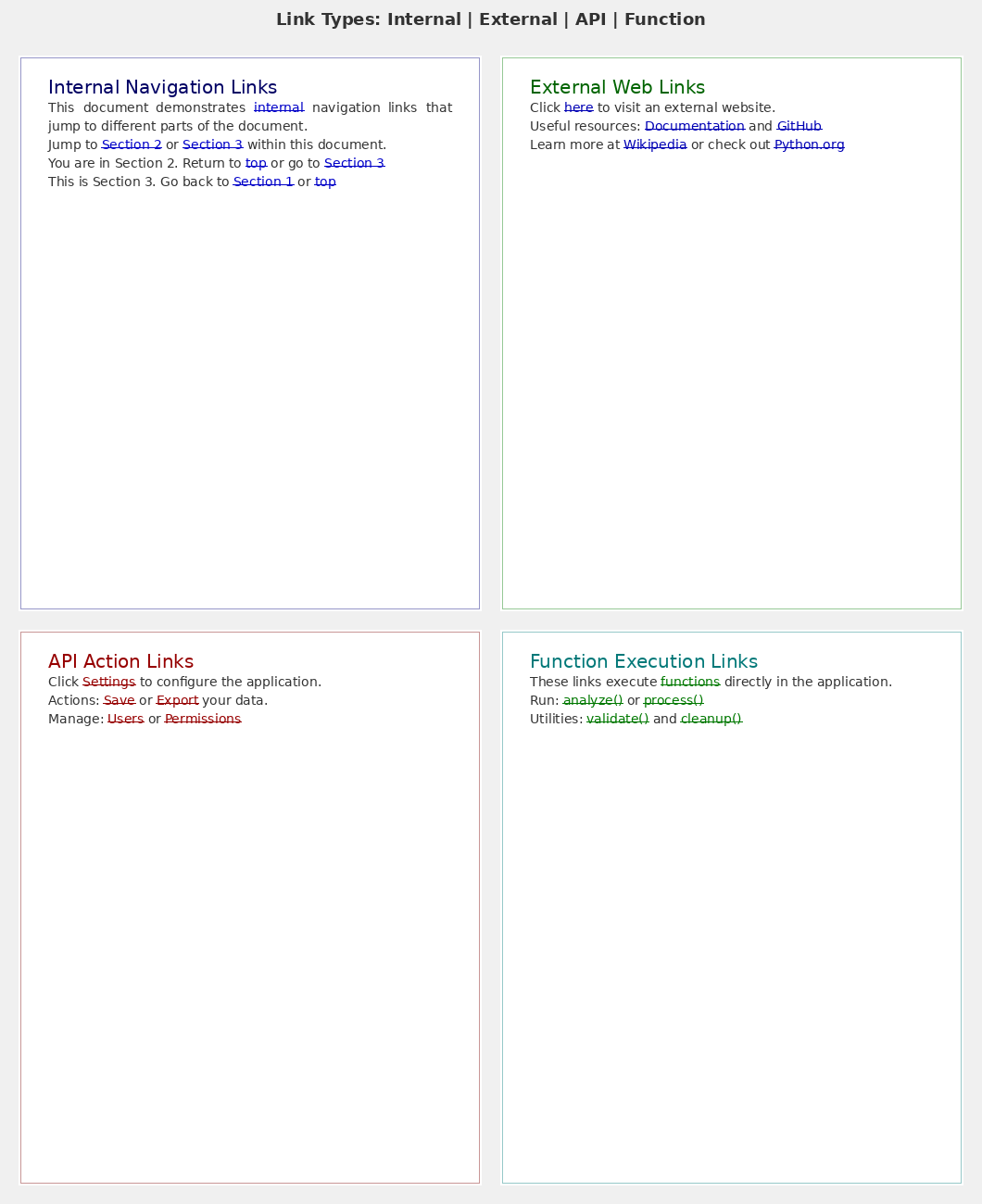
All 4 link types: Internal, External, API, Function
|
🆕 Comprehensive Forms
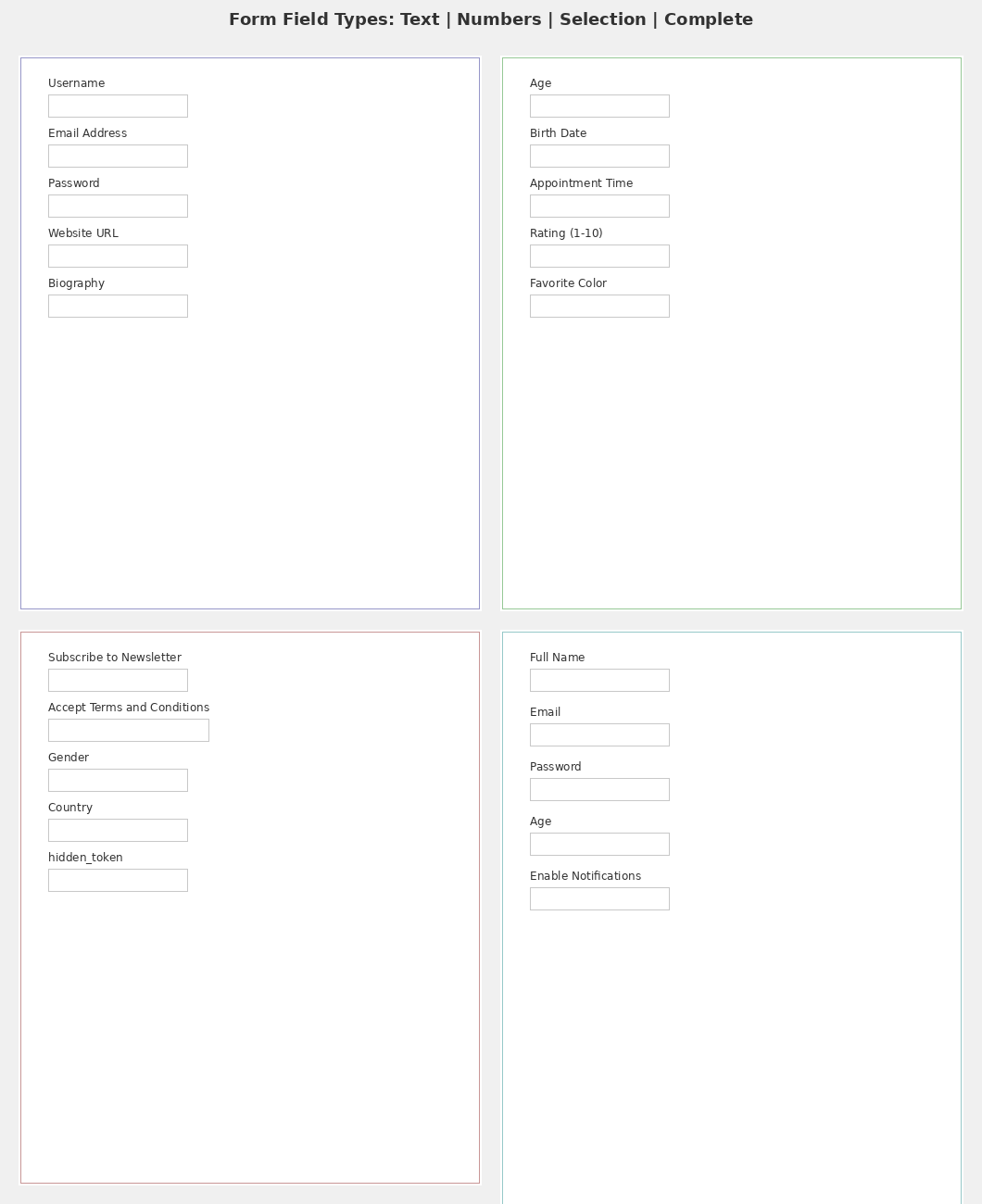
All 14 form field types with validation
|
🆕 Dynamic Font Family Switching
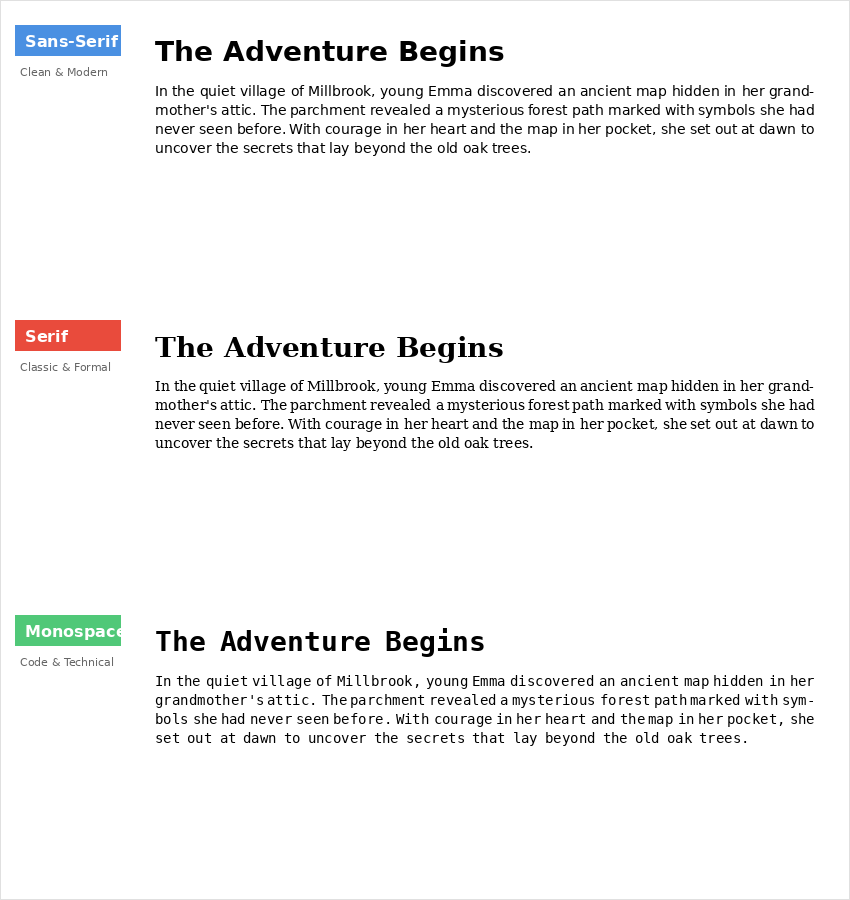
Switch between Sans, Serif, and Monospace fonts instantly
|
## Examples
The `examples/` directory contains working demonstrations:
### Getting Started
- **[01_simple_page_rendering.py](examples/01_simple_page_rendering.py)** - Introduction to the Page system
- **[02_text_and_layout.py](examples/02_text_and_layout.py)** - HTML parsing and text rendering
- **[03_page_layouts.py](examples/03_page_layouts.py)** - Different page configurations
- **[04_table_rendering.py](examples/04_table_rendering.py)** - HTML table rendering with styling
- **[05_html_table_with_images.py](examples/05_html_table_with_images.py)** - Tables with embedded images
- **[06_functional_elements_demo.py](examples/06_functional_elements_demo.py)** - Interactive buttons and forms with callbacks
- **[08_bundled_fonts_demo.py](examples/08_bundled_fonts_demo.py)** - Using the bundled DejaVu font families
### 🆕 Advanced Features (NEW)
- **[08_pagination_demo.py](examples/08_pagination_demo.py)** - Multi-page documents with PageBreak ([11 tests](tests/examples/test_08_pagination_demo.py))
- **[09_link_navigation_demo.py](examples/09_link_navigation_demo.py)** - All link types and navigation ([10 tests](tests/examples/test_09_link_navigation_demo.py))
- **[10_forms_demo.py](examples/10_forms_demo.py)** - All 14 form field types ([9 tests](tests/examples/test_10_forms_demo.py))
- **[11_font_family_switching_demo.py](examples/11_font_family_switching_demo.py)** - 🆕 Dynamic font switching in ereader
Run any example:
```bash
cd examples
python 01_simple_page_rendering.py
python 08_pagination_demo.py # NEW: Multi-page documents
```
**All new examples include comprehensive test coverage!** Run tests with:
```bash
python -m pytest tests/examples/ -v # 30 tests, all passing ✅
```
**Coverage Impact:** The new examples fill critical documentation gaps:
- **PageBreak:** 0% → 100% (had NO examples before)
- **LinkText:** 14% → 100% (all 4 link types demonstrated)
- **FormFields:** 14% → 100% (all 14 field types demonstrated)
See **[examples/README.md](examples/README.md)** for detailed documentation.
## Font Family Switching (NEW ✨)
PyWebLayout now supports dynamic font family switching in the ereader, allowing readers to change fonts on-the-fly without losing their reading position!
### Quick Example
```python
from pyWebLayout.style.fonts import BundledFont
from pyWebLayout.layout.ereader_manager import create_ereader_manager
# Create an ereader
manager = create_ereader_manager(blocks, page_size=(600, 800))
# Switch to serif font
manager.set_font_family(BundledFont.SERIF)
# Switch to monospace font
manager.set_font_family(BundledFont.MONOSPACE)
# Restore original fonts
manager.set_font_family(None)
# Query current font
current = manager.get_font_family()
```
### Features
- **3 Bundled Fonts**: Sans, Serif, and Monospace (DejaVu font family)
- **Instant Switching**: Change fonts without recreating the document
- **Position Preservation**: Reading position maintained across font changes
- **Attribute Preservation**: Bold, italic, size, and color are preserved
- **Smart Caching**: Automatic cache invalidation for optimal performance
**Learn more**: See [FONT_SWITCHING_FEATURE.md](FONT_SWITCHING_FEATURE.md) for complete documentation.
## Documentation
- **[ARCHITECTURE.md](ARCHITECTURE.md)** - Abstract/Concrete architecture guide
- **[FONT_SWITCHING_FEATURE.md](FONT_SWITCHING_FEATURE.md)** - 🆕 Font family switching guide
- **[examples/README.md](examples/README.md)** - Complete examples guide with tests
- **[docs/images/README.md](docs/images/README.md)** - Visual documentation index
- **[pyWebLayout/layout/README_EREADER_API.md](pyWebLayout/layout/README_EREADER_API.md)** - EbookReader API reference
- **API Reference** - See docstrings in source code
## Continuous integration
CI runs in a prebuilt container image rather than installing dependencies per
job. The image carries Python 3.10, 3.11, 3.12 and 3.13, each in its own venv at
`/opt/py